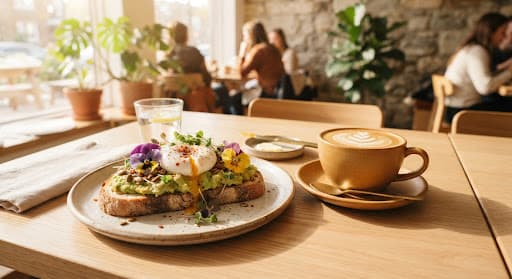
We do the setup
Send photos of your menu. We add every dish, price and diet tag, then send you a preview.
For independent cafés
Send a photo of your current menu. We build the rest and have it live in 48 hours.
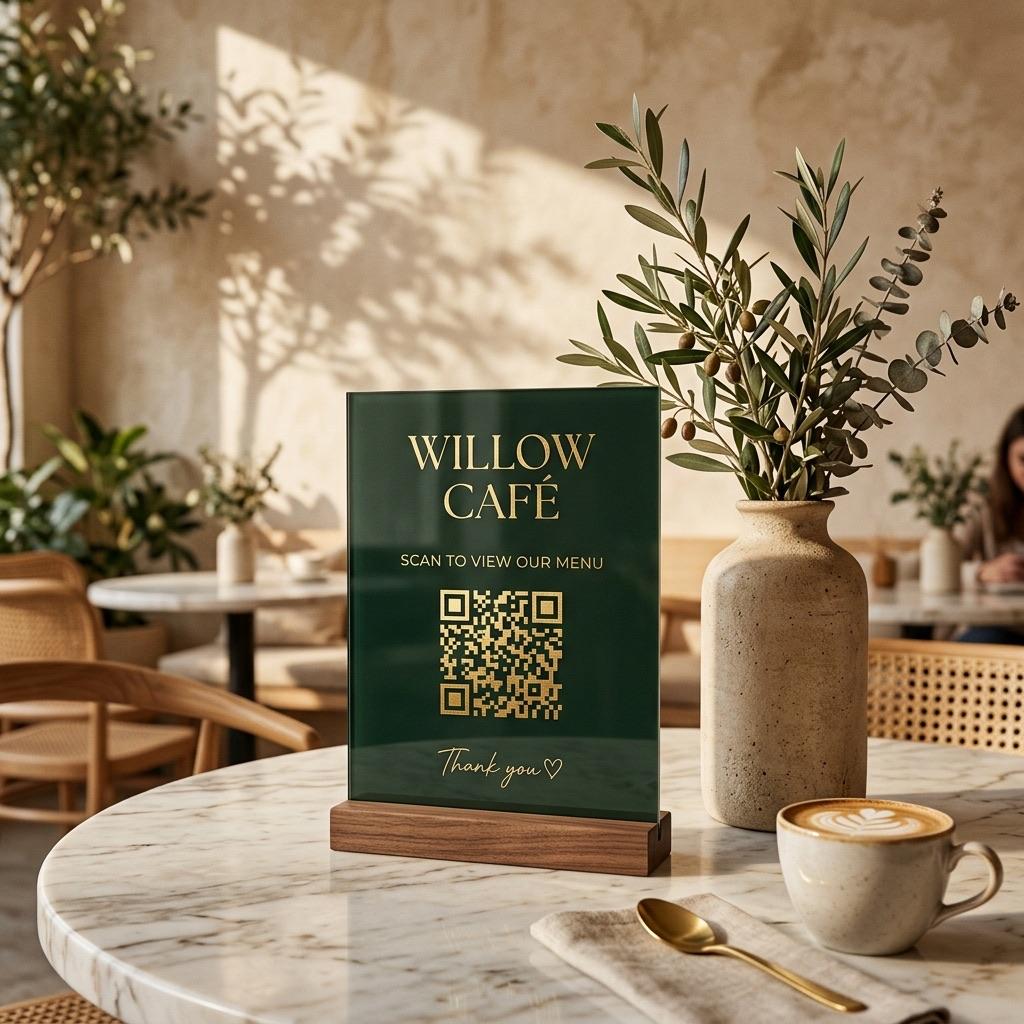
Most QR codes open a file made for print, not for a phone held in one hand.
PDF menu: Pinch and zoom to read tiny text
MenuDeck: Text sized for a phone, no zooming
PDF menu: Slow to open on budget phones
MenuDeck: A light web page that opens quickly
PDF menu: Read every line to find the vegan dishes
MenuDeck: Tap a diet filter or search for a dish
PDF menu: One language for every guest
MenuDeck: Guests switch language with one tap
PDF menu: A new file for every price change
MenuDeck: Change a price yourself in seconds
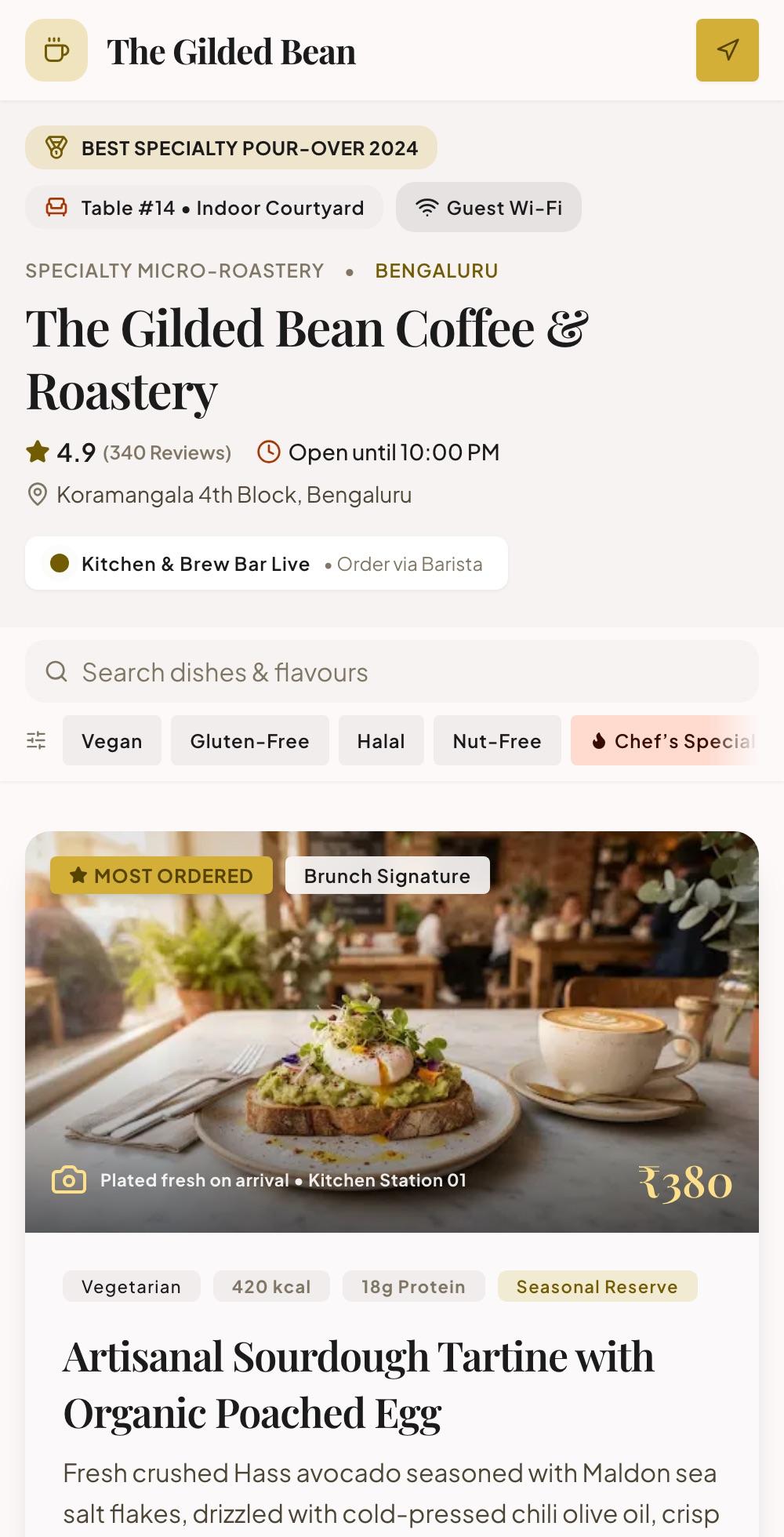
The Gilded Bean is a made-up café running on MenuDeck. Search, filter and browse its menu right here.
Results update as guests type a dish or an ingredient.
One tap shows only the dishes that fit, without asking the barista.
Coffee, brunch and bakery sit one tap apart, within thumb reach.
Every dish shows its photo, price and diet tags.
Send photos of your menu. We add every dish, price and diet tag, then send you a preview.
Sold out, or a price went up? Change it from your dashboard and publish.
Download it as PNG or SVG and print it for the stands you already have.
Add your logo, colours and tagline so the menu looks like your café.
Menu views, QR scans, the most-viewed dishes and what guests search for.
Share a photo or PDF of your current menu with us on WhatsApp.
We build your menu and send you a link. Ask for changes, then pay.
Print your code and guests can start scanning straight away.
Send us a photo of your menu. We do the typing, then send you a preview to approve.
A clear photo or PDF of your current menu, plus your logo. Send dish photos too if you have them.
No. They point their phone camera at the QR code and the menu opens in the browser.
Log in to your dashboard, make the change and publish. Guests see the updated menu from then on.
Yes. Add translations for your dishes and guests switch language with one tap. Anything not yet translated shows in your main language.
No. Your QR code comes as PNG and SVG files, so it prints sharp at any size on the stands you already have.
Send your menu today and it can be live in 48 hours.